
This is a continuation of my previous post, which can be found here. This will be our last post of this series.
Let us recap the key takaways from our previous post –
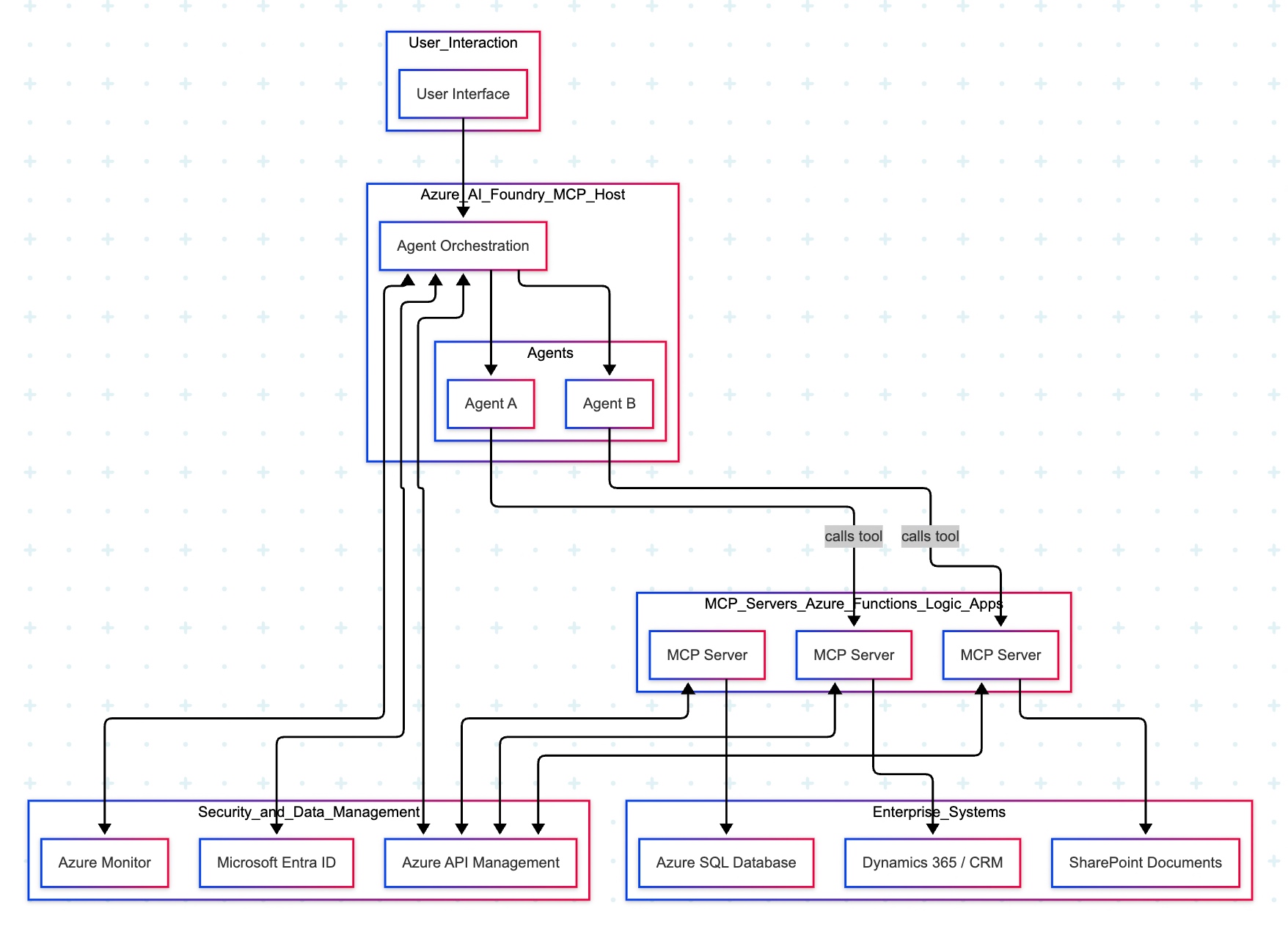
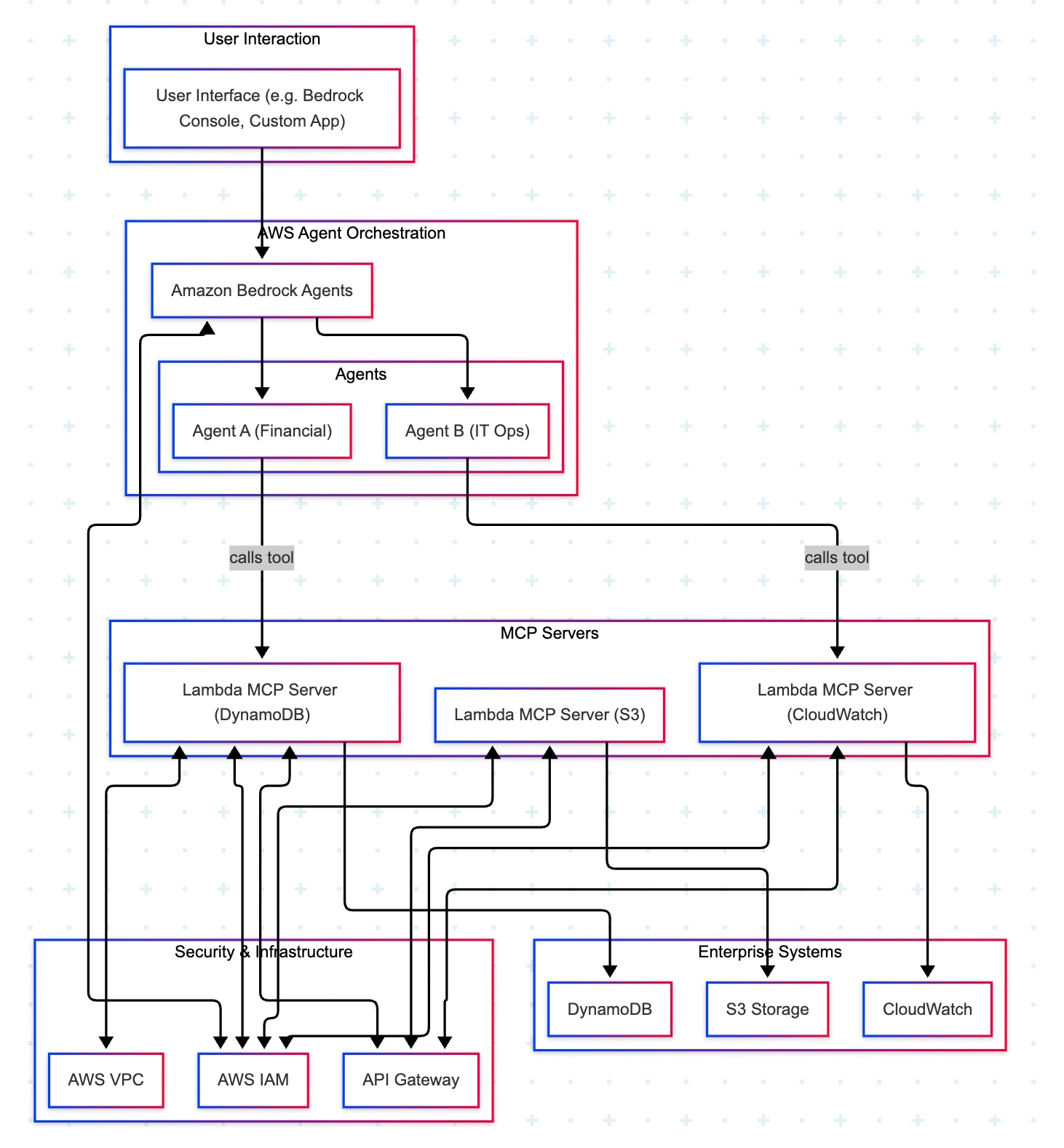
Two cloud patterns show how MCP standardizes safe AI-to-system work. Azure “agent factory”: You ask in Teams; Azure AI Foundry dispatches a specialist agent (HR/Sales). The agent calls a specific MCP server (Functions/Logic Apps) for CRM, SharePoint, or SQL via API Management. Entra ID enforces access; Azure Monitor audits. AWS “composable serverless agents”: In Bedrock, domain agents (Financial/IT Ops) invoke Lambda-based MCP tools for DynamoDB, S3, or CloudWatch through API Gateway with IAM and optional VPC. In both, agents never hold credentials; tools map one-to-one to systems, improving security, clarity, scalability, and compliance.
In this post, we’ll discuss the GCP factory pattern.
Unified Workbench Pattern (GCP):
The GCP “unified workbench” pattern prioritizes a unified, data-centric platform for AI development, integrating seamlessly with Vertex AI and Google’s expertise in AI and data analytics. This approach is well-suited for AI-first companies and data-intensive organizations that want to build agents that leverage cutting-edge research tools.
Let’s explore the following diagram based on this –

Imagine Mia, a clinical operations lead, opens a simple app and asks: “Which clinics had the longest wait times this week? Give me a quick summary I can share.”
- The app quietly sends Mia’s request to Vertex AI Agent Builder—think of it as the switchboard operator.
- Vertex AI picks the Data Analysis agent (the “specialist” for questions like Mia’s).
- That agent doesn’t go rummaging through databases. Instead, it uses a safe, preapproved tool—an MCP Server—to query BigQuery, where the data lives.
- The tool fetches results and returns them to Mia—no passwords in the open, no risky shortcuts—just the answer, fast and safely.
Now meet Ravi, a developer who asks: “Show me the latest app metrics and confirm yesterday’s patch didn’t break the login table.”
- The app routes Ravi’s request to Vertex AI.
- Vertex AI chooses the Developer agent.
- That agent calls a different tool—an MCP Server designed for Cloud SQL—to check the login table and run a safe query.
- Results come back with guardrails intact. If the agent ever needs files, there’s also a Cloud Storage tool ready to fetch or store documents.
Let us understand how the underlying flow of activities took place –
- User Interface:
- Entry point: Vertex AI console or a custom app.
- Sends a single request; no direct credentials or system access exposed to the user.
- Orchestration: Vertex AI Agent Builder (MCP Host)
- Routes the request to the most suitable agent:
- Agent A (Data Analysis) for analytics/BI-style questions.
- Agent B (Developer) for application/data-ops tasks.
- Routes the request to the most suitable agent:
- Tooling via MCP Servers on Cloud Run
- Each MCP Server is a purpose-built adapter with least-privilege access to exactly one service:
- Server1 → BigQuery (analytics/warehouse) — used by Agent A in this diagram.
- Server2 → Cloud Storage (GCS) (files/objects) — available when file I/O is needed.
- Server3 → Cloud SQL (relational DB) — used by Agent B in this diagram.
- Agents never hold database credentials; they request actions from the right tool.
- Each MCP Server is a purpose-built adapter with least-privilege access to exactly one service:
- Enterprise Systems
- BigQuery, Cloud Storage, and Cloud SQL are the systems of record that the tools interact with.
- Security, Networking, and Observability
- GCP IAM: AuthN/AuthZ for Vertex AI and each MCP Server (fine-grained roles, least privilege).
- GCP VPC: Private network paths for all Cloud Run MCP Servers (isolation, egress control).
- Cloud Monitoring: Metrics, logs, and alerts across agents and tools (auditability, SLOs).
- Return Path
- Results flow back from the service → MCP Server → Agent → Vertex AI → UI.
- Policies and logs track who requested what, when, and how.
Why does this design work?
- One entry point for questions.
- Clear accountability: specialists (agents) act within guardrails.
- Built-in safety (IAM/VPC) and visibility (Monitoring) for trust.
- Separation of concerns: agents decide what to do; tools (MCP Servers) decide how to do it.
- Scalable: add a new tool (e.g., Pub/Sub or Vertex AI Feature Store) without changing the UI or agents.
- Auditable & maintainable: each tool maps to one service with explicit IAM and VPC controls.
So, we’ve concluded the series with the above post. I hope you like it.
I’ll bring some more exciting topics in the coming days from the new advanced world of technology.
Till then, Happy Avenging! 🙂
Note: All the data & scenarios posted here are representative of data & scenarios available on the internet for educational purposes only. There is always room for improvement in this kind of model & the solution associated with it. I’ve shown the basic ways to achieve the same for educational purposes only.




You must be logged in to post a comment.